
Last updated: June 2026
Open the Website
Open your preferred web browser and enter the following URL:
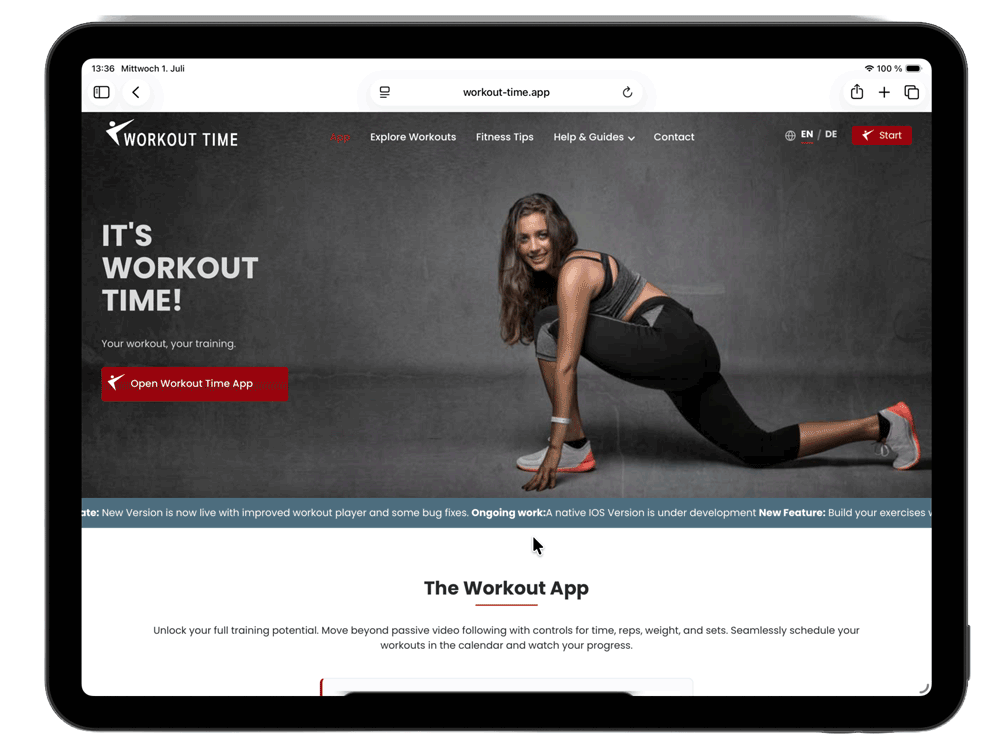
On the homepage click the button
Open Workout Time App
This starts the app in
your browser in a new browser tab.
Alternative you can start the app directly with the following url: https:workout-time.app/start
The Welcome Screen
Once the loading screen (splash screen) finishes, you will see the welcome dashboard containing two main buttons:
- Register: Create your free user account.
- Public Workouts: View and run workouts shared by community members without logging in.
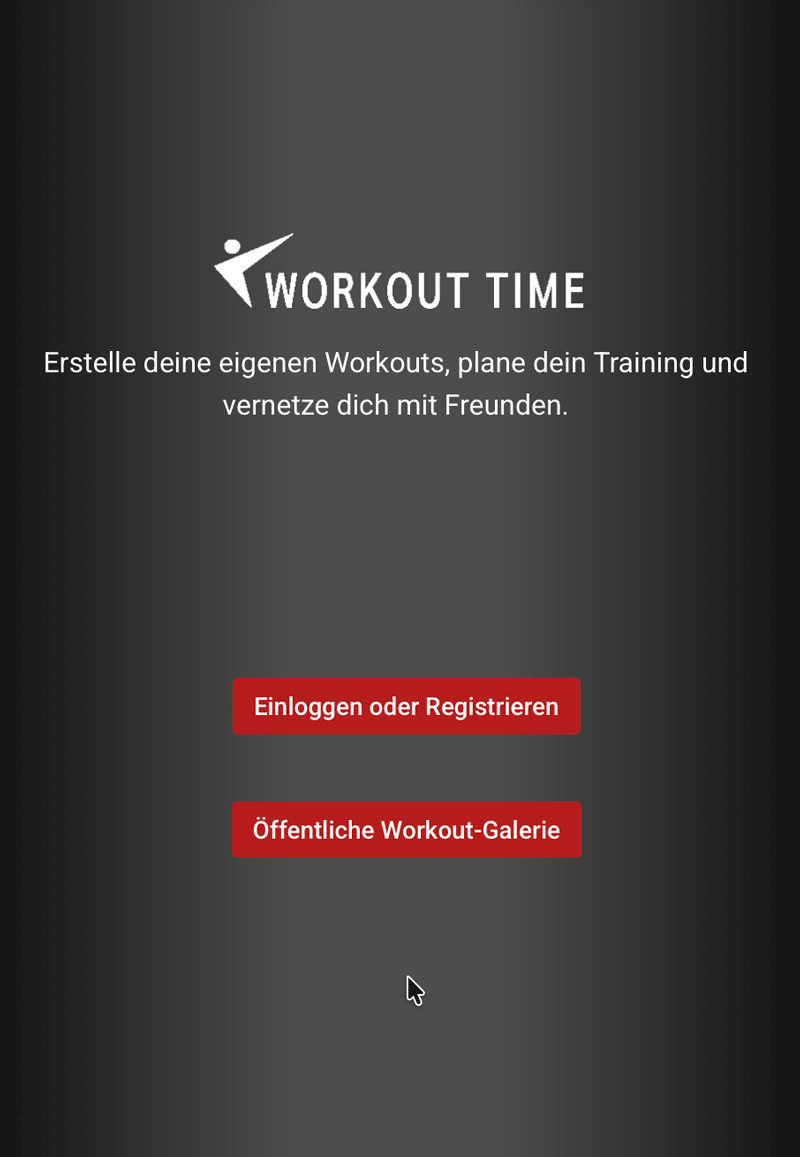
We suggest clicking Register. A free account unlocks all the key features of the app.
Advantages of registering:
- Create workouts: Build your own customized training programs and exercises.
- Training calendar & stats: Schedule workouts in your training calendar and track your progress.
- Offline use: Download workouts to your phone to play them at the gym without an active internet connection.
- Settings Save your own workout versions and set your favorit play options.