Options to Create Workouts
Last updated: August 2026
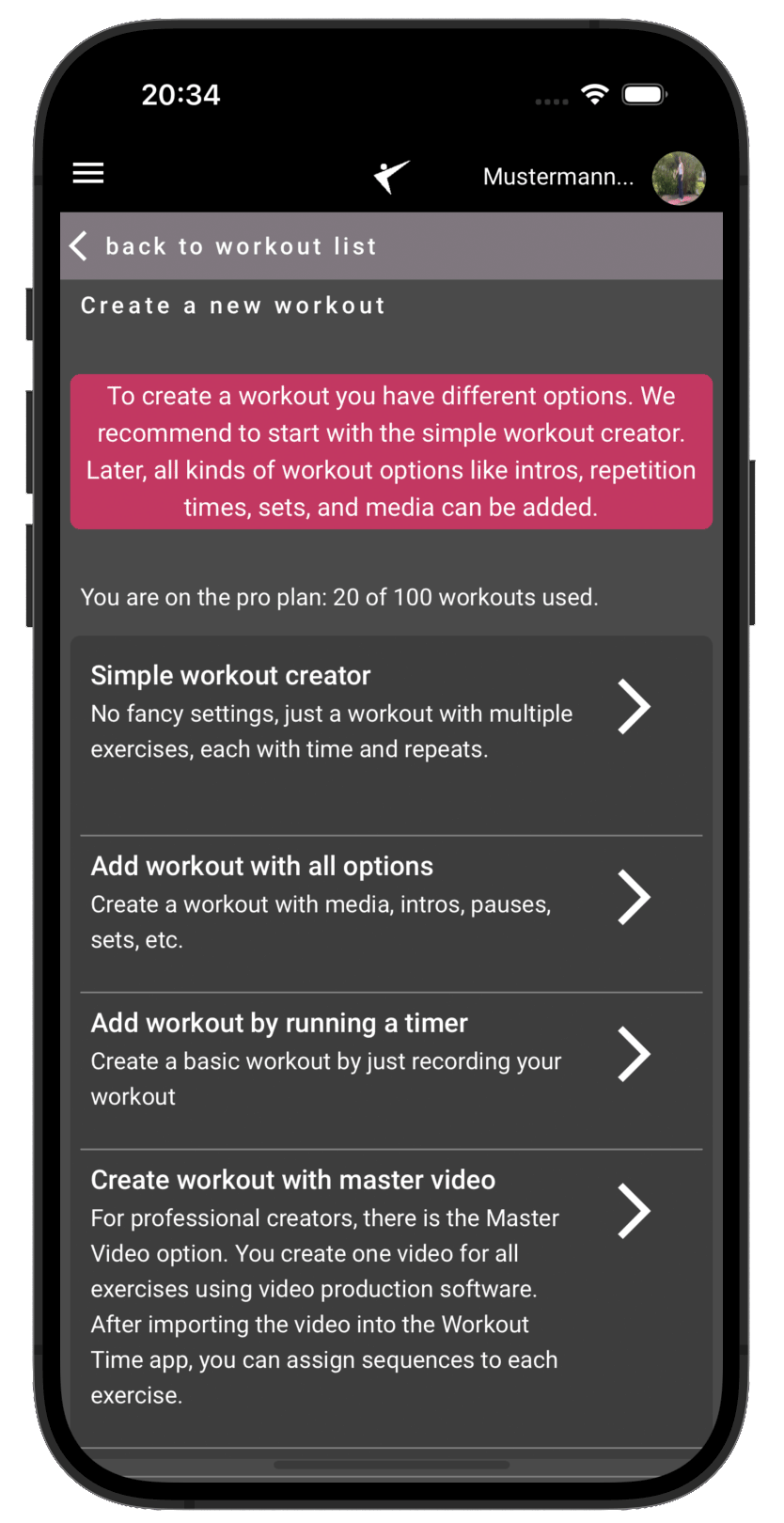
Workout Time offers six distinct ways to build new workouts, ranging from ultra-simple text lists and AI-generated routines to interactive YouTube follow-along videos and standalone ZIP package imports. You can choose the method that best matches your speed, training style, and desired level of detail.
1. Simple Workout Creator
The **Simple Workout Creator** is the fastest way to manually type out a plan. It is text-only and does not require pre-configuring video files or uploading custom media.
- Easy Inputs: Type the exercise title, set repetitions, and define set duration or rest time.
- Clean Output: Generates a clean progress circle with a countdown when played.
- Best for: Quick stretching routines, simple core workouts, or plans where you don't need visual demonstrations.
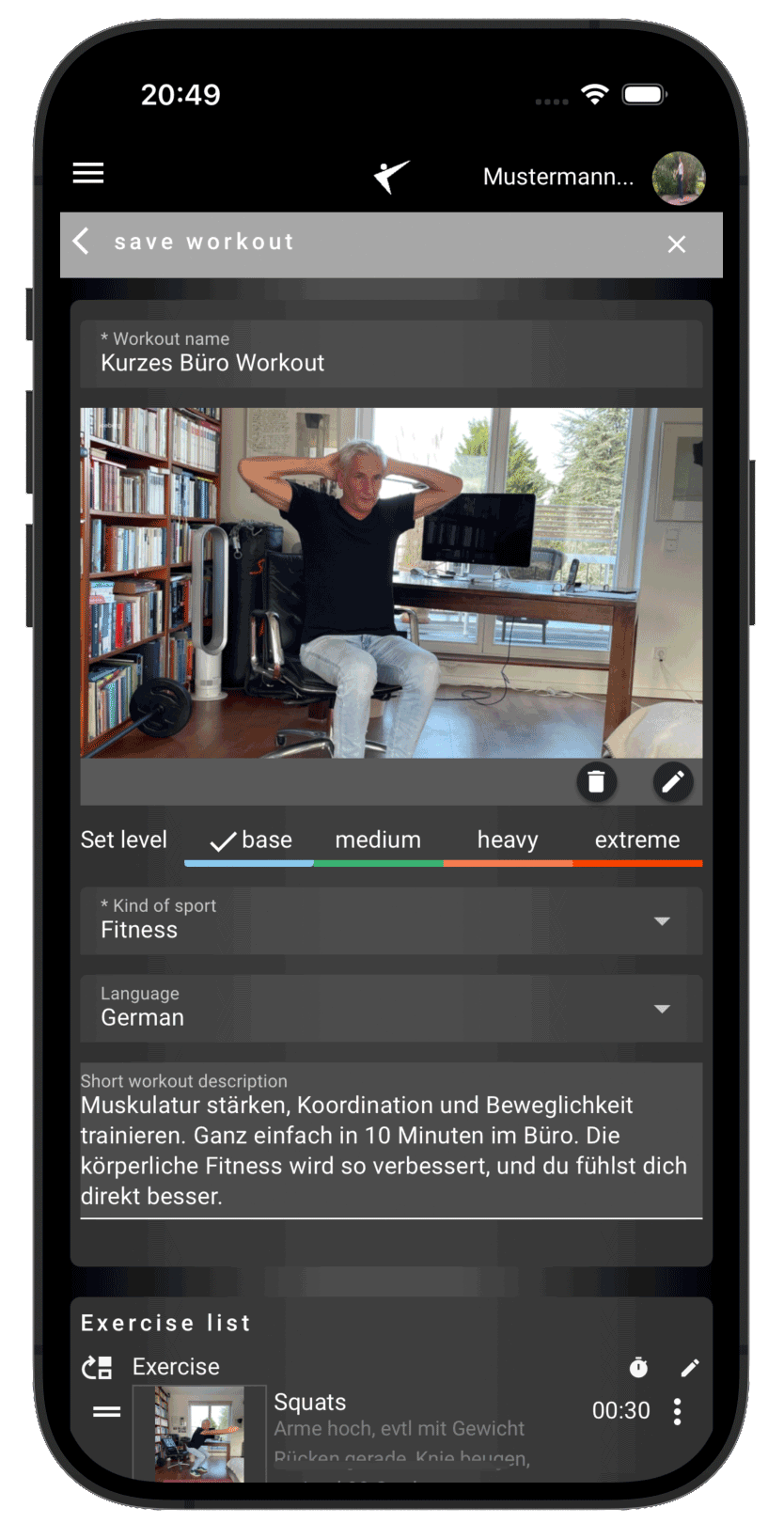
2. Add Workout with All Options (Full Creator)
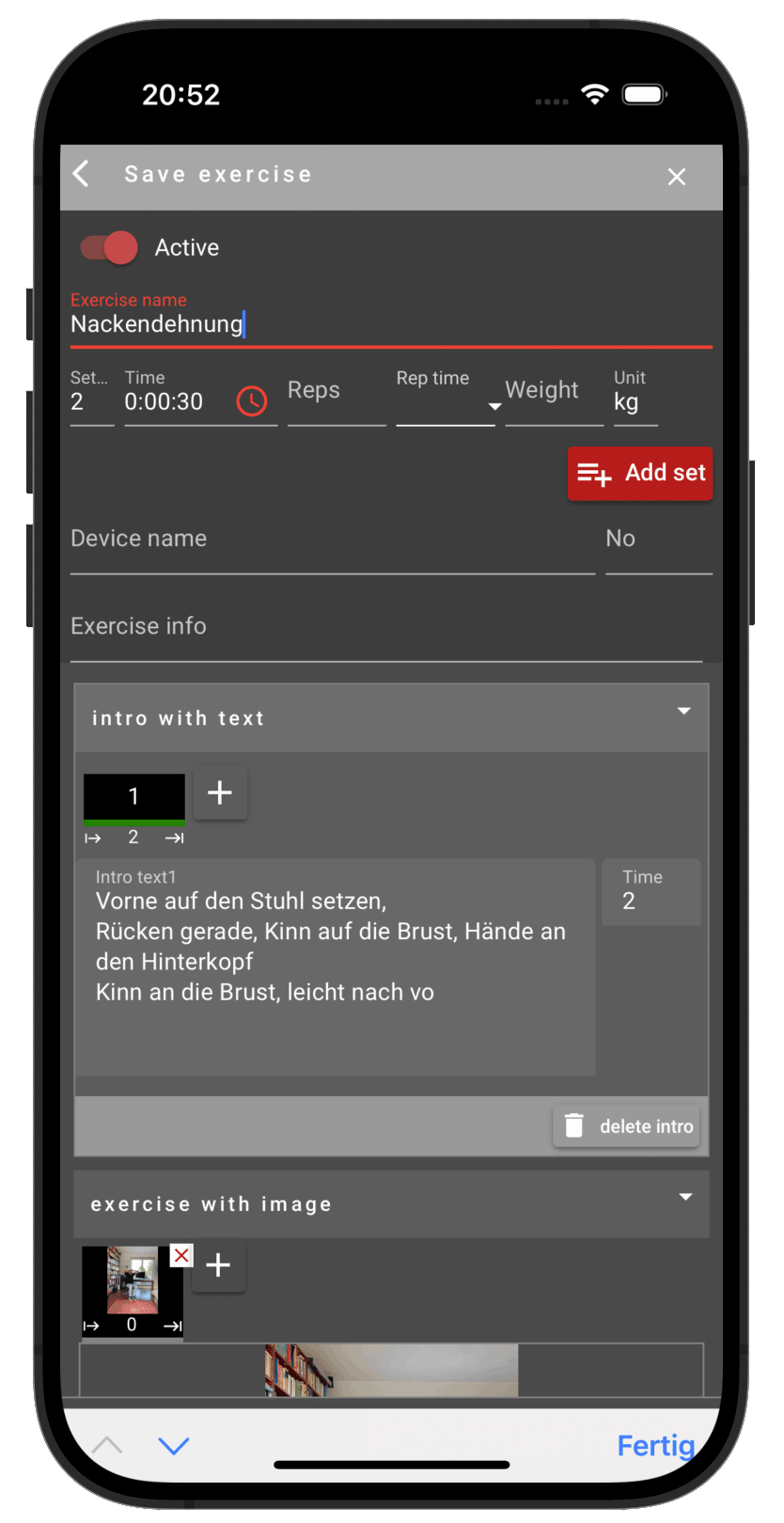
The **Full Workout Creator** gives you complete control over the layout, timing structures, and media assets of your training plan.
- Rich Media: Attach custom video loops, instruction slides, or static images to each exercise.
- Complete Phase Control: Configure exercise description intros, preparation setup countdowns, set-specific reps, execution speed (tempo), and rest intervals.
- Best for: Professional coach sharing, physiotherapeutic rehabilitation guides, and fully-featured media routines.
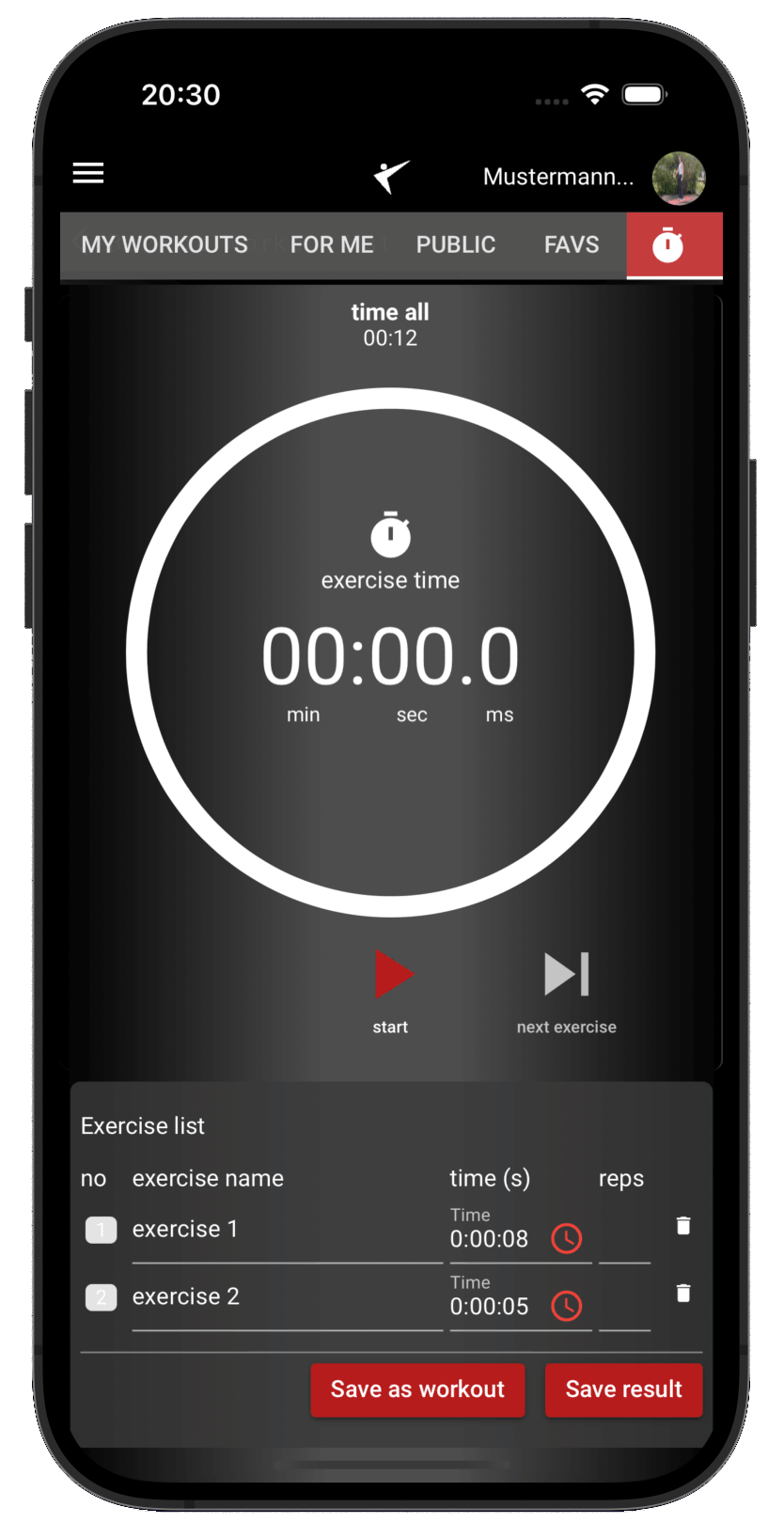
3. Add Workout by Running a Timer (Live Recorder)
The **Live Recording Timer** lets you record a spontaneous workout on the gym floor or at home, and automatically saves it as a structured template.
- Live Tracking: Simply start and stop the timer for each set. The app records the exact duration and asks for reps and weight.
- One-Click Generation: Once your training session is complete, tap "Create Workout" to turn your history log into a permanent plan.
- Best for: Copying a spontaneous routine or capturing weights and sets during a workout without writing them down.
4. Create Workout with AI
Leverage Gemini AI to generate customized workouts instantly from simple descriptions.
- Natural Prompts: Just type your goals (e.g., *"30-minute posture correction routine using only resistance bands"*).
- Instant Design: The AI drafts a fully structured, multi-exercise workout program matching your requirements.
- Best for: Trying out new routines, generating quick plans on travel, or breaking training plateaus.
5. Create YouTube Workout
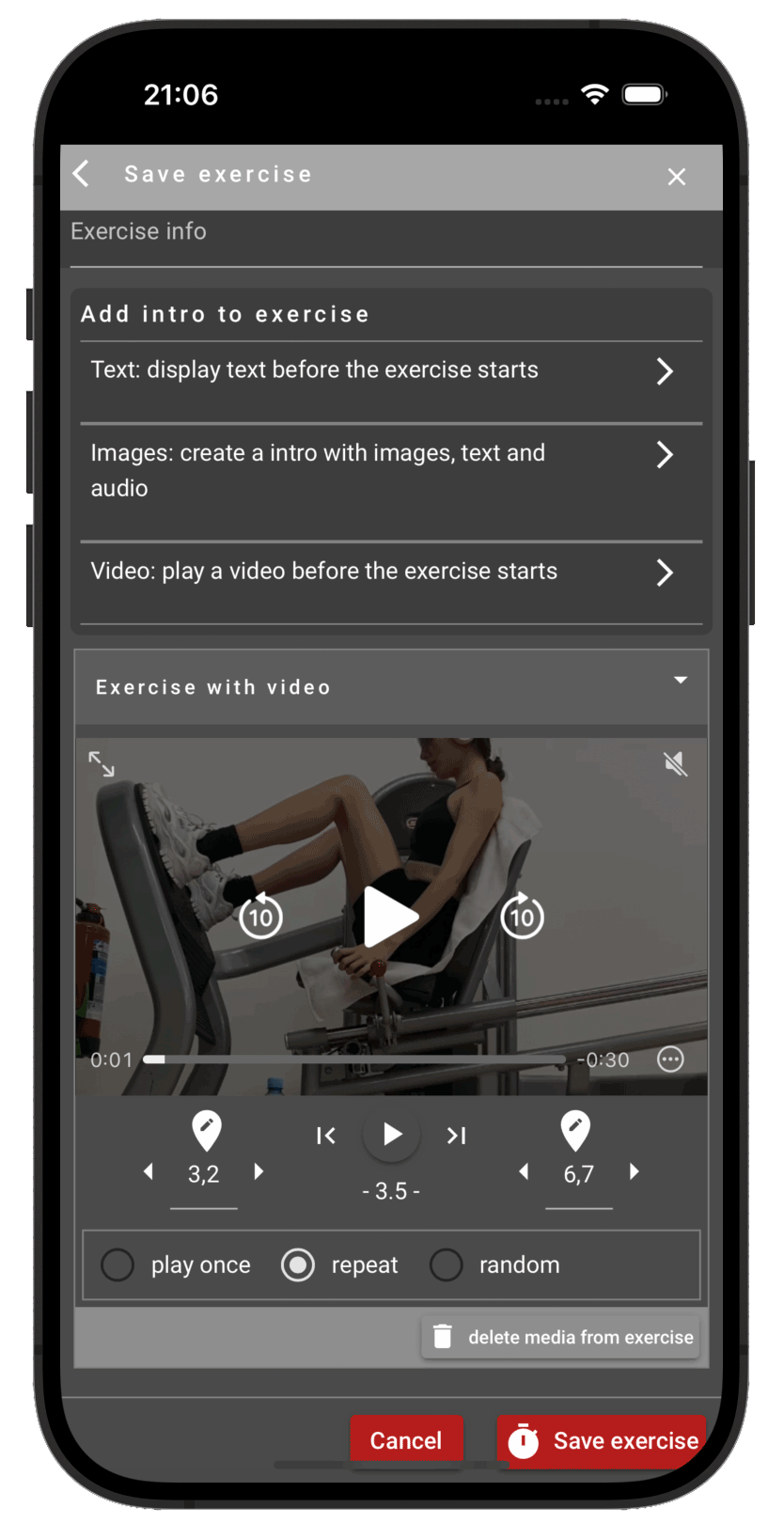
Synchronize video tutorials from your favorite YouTube fitness creators directly with Workout Time's interactive progress loops.
- Video Mapping: Input a YouTube video link and specify target start/end time markers for each exercise phase.
- Interactive Overlay: The player streams the YouTube clip on-screen and automatically seeks to the correct segments as you transition sets.
- Best for: Follow-along classes, aerobic sessions, or learning form from expert video tutorials.
6. Import & Export Workouts (.zip Packages)
The Import & Export feature allows you to backup complete workouts, share them with training partners or clients, and transfer them between devices and accounts as self-contained .zip packages.
What the Package Contains
An exported package bundles your entire workout into a single portable file:
- Workout Structure (
workout.json): All exercises, intervals (setup countdown, set duration, rest periods), repetition counts, target weights, text-to-speech audio intros, tips, and playlist settings. - Media Directory (
media/): Attached exercise images, GIFs, video loops, spoken audio guides, and optional background workout music (MP3). - External Streaming Links: Third-party music links (such as Apple Music playlists) are preserved cleanly as references.
How It Works
- Exporting: Open any workout and choose „Export as .zip“ from the menu. The app compiles the structured JSON and packages all media files directly in your browser without requiring an external server.
- Importing: In the creation options, choose „Import Workout (.zip)“ or drag and drop a ZIP file into the import dialog. The app inspects the archive, checks your contract limits, optimizes media files, and adds the workout into your collection.
- Smart Media Deduplication: If an image or media file is used across multiple sets or exercises, it is stored only once in the ZIP and uploaded only once to your cloud storage. All other occurrences automatically reference the original file—saving cloud storage and keeping workout loads lightning fast.
- Duplicate Protection (Auto-Renaming): If you already have a workout with the same name, Workout Time automatically appends an incrementing counter (e.g. Workout Name (1)) so existing workouts are never overwritten.
Restrictions & Plan Requirements
- Workout Quota: The import checks your active plan limit (e.g. Base plan: up to 10 workouts, Pro plan: up to 100 workouts). If your quota is reached, you will need to delete an older workout or upgrade your plan.
- Storage Capacity Check: The total uncompressed size of all media in the package is checked against your account's remaining cloud storage before any upload begins. If storage is exceeded, the import is prevented with a clear notification.
- Automatic Image Compression: Images exceeding 1.2 MB (or your plan limit) are automatically resized and compressed in the browser during import to protect your storage quota and reduce data consumption.
- Exercise Limits: The workout must respect the maximum number of exercises per workout allowed by your subscription tier.
- Archive Integrity: Only valid Workout Time
.ziparchives containing a rootworkout.jsonfile are accepted.
Best for: Full backups of personal plans, transferring workouts between friends, trainers, and athletes, or moving your routines to a new device.